


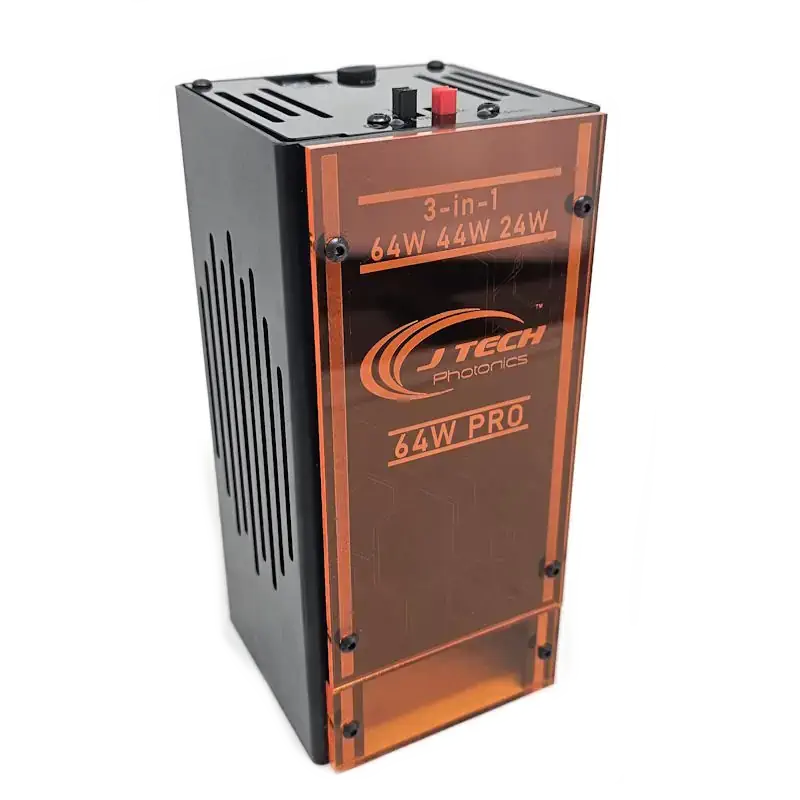
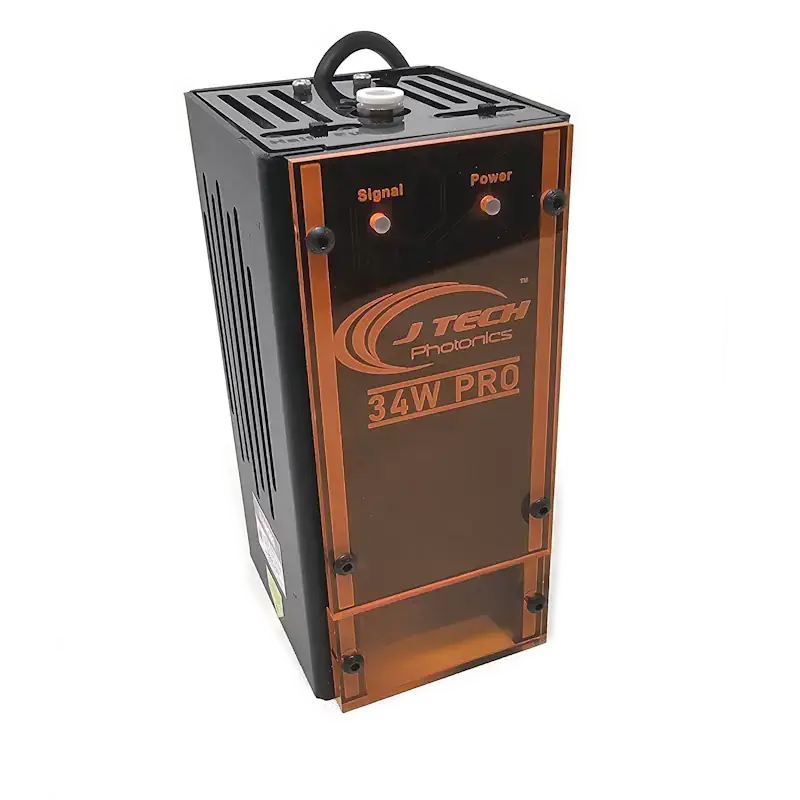
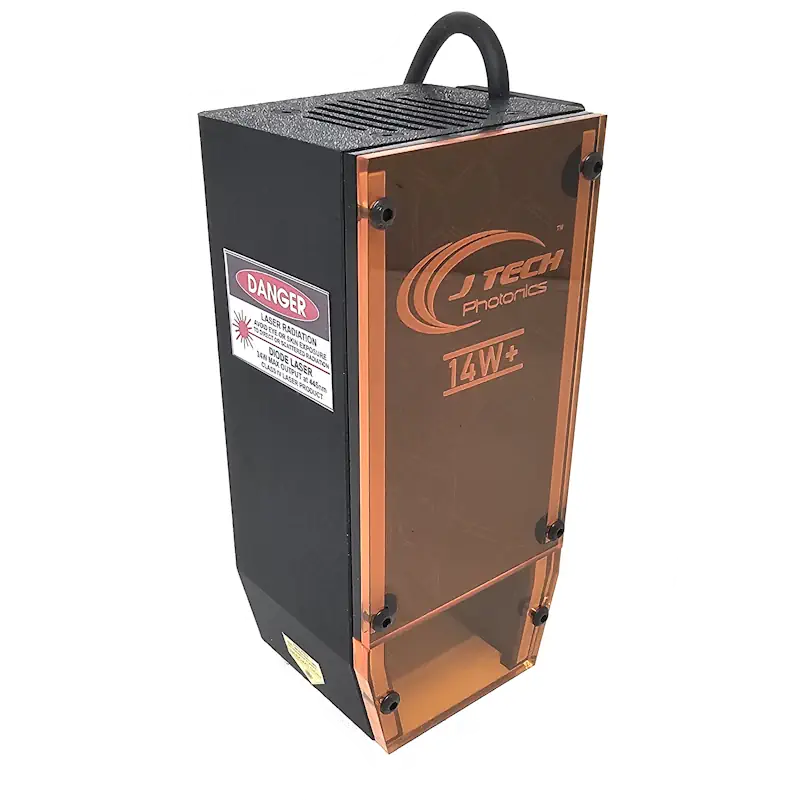
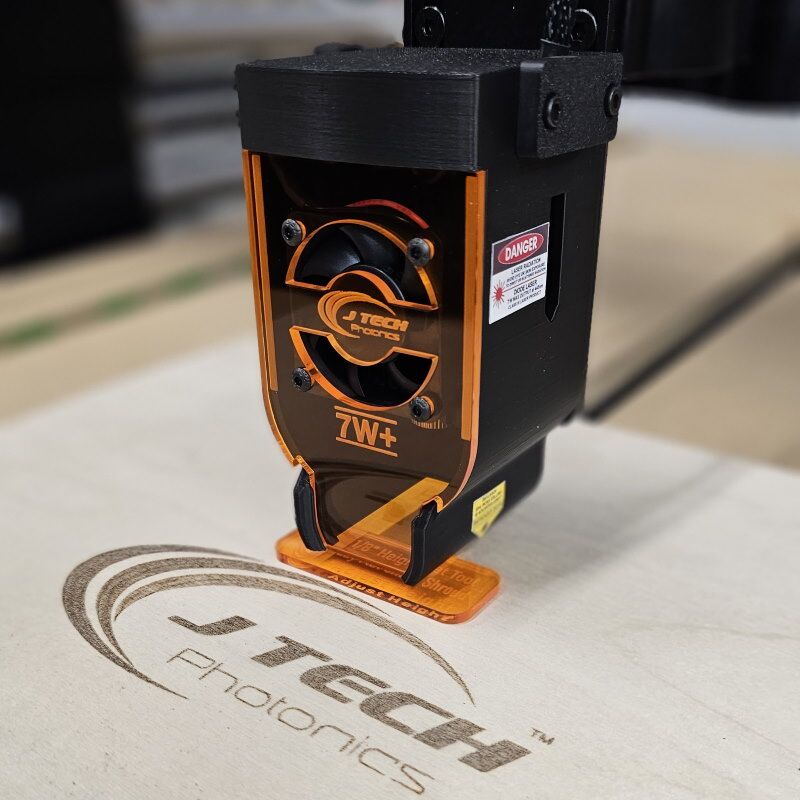
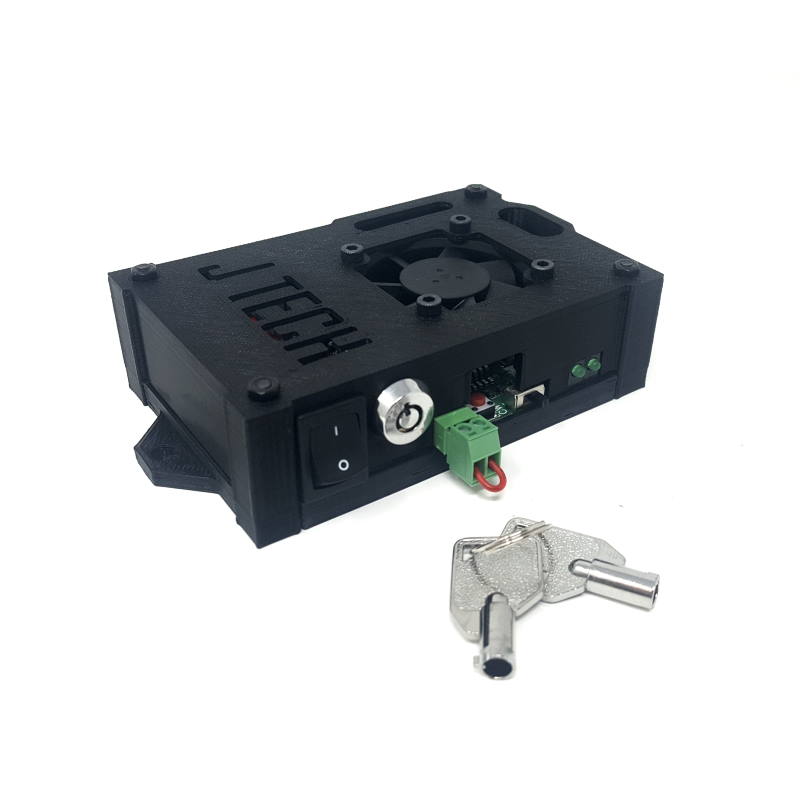
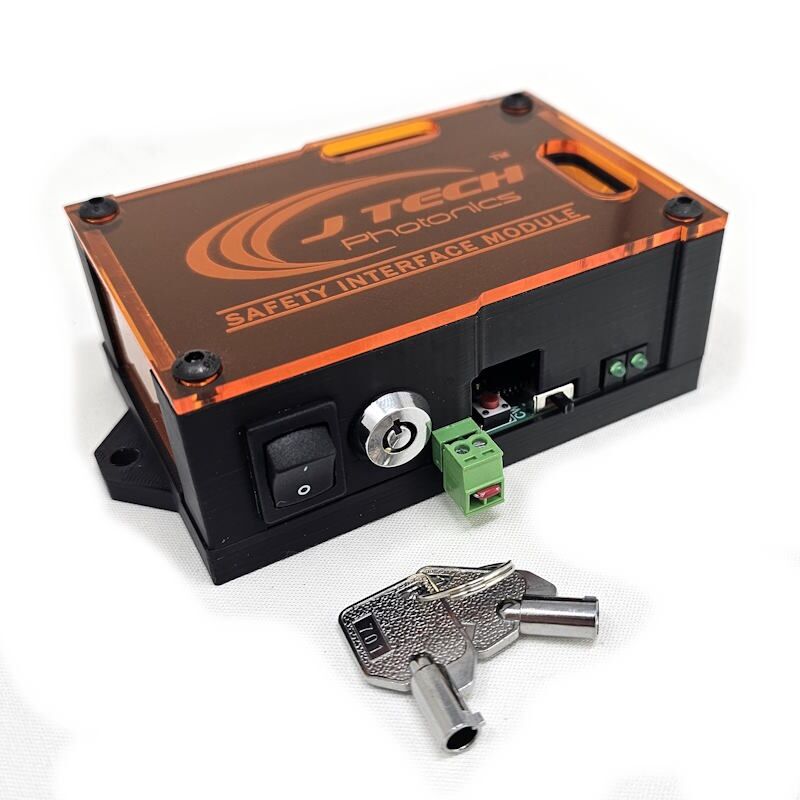
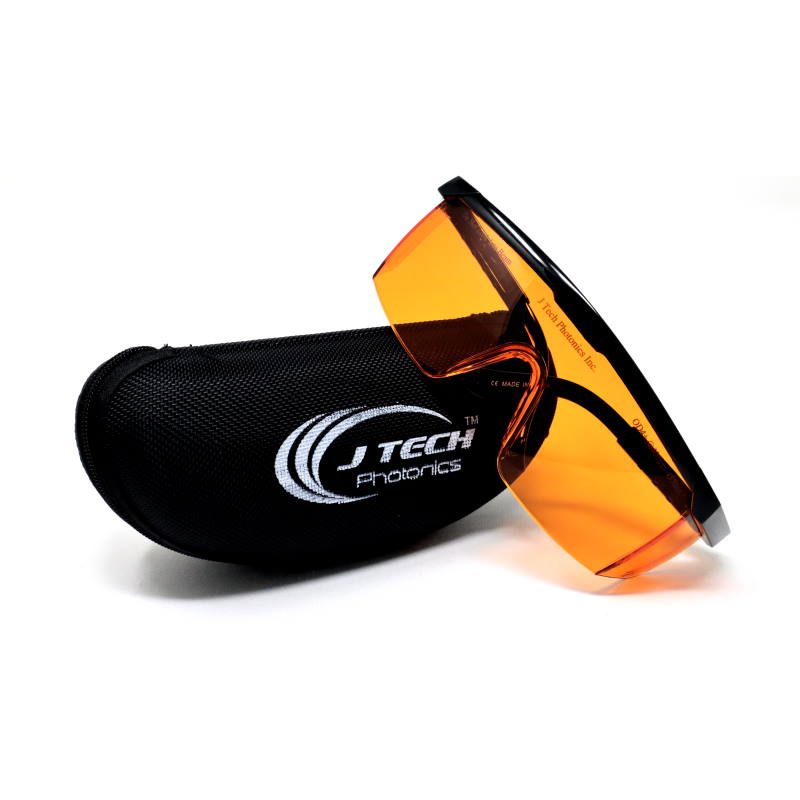
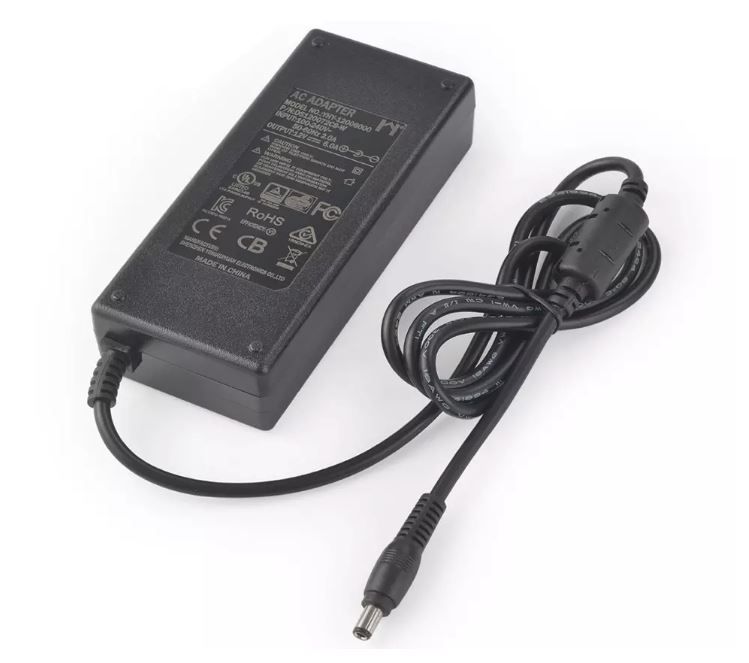
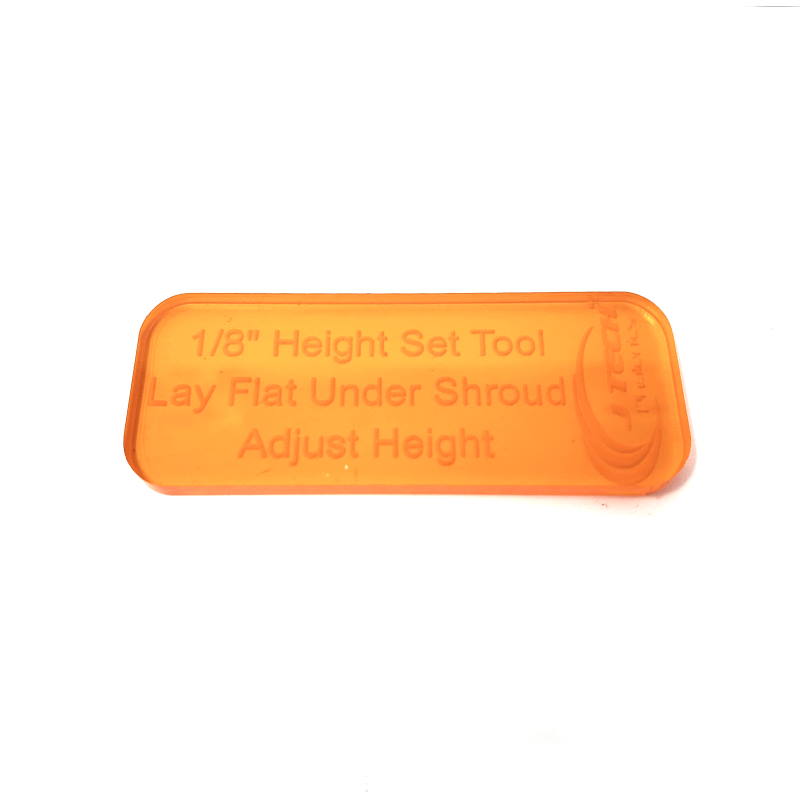
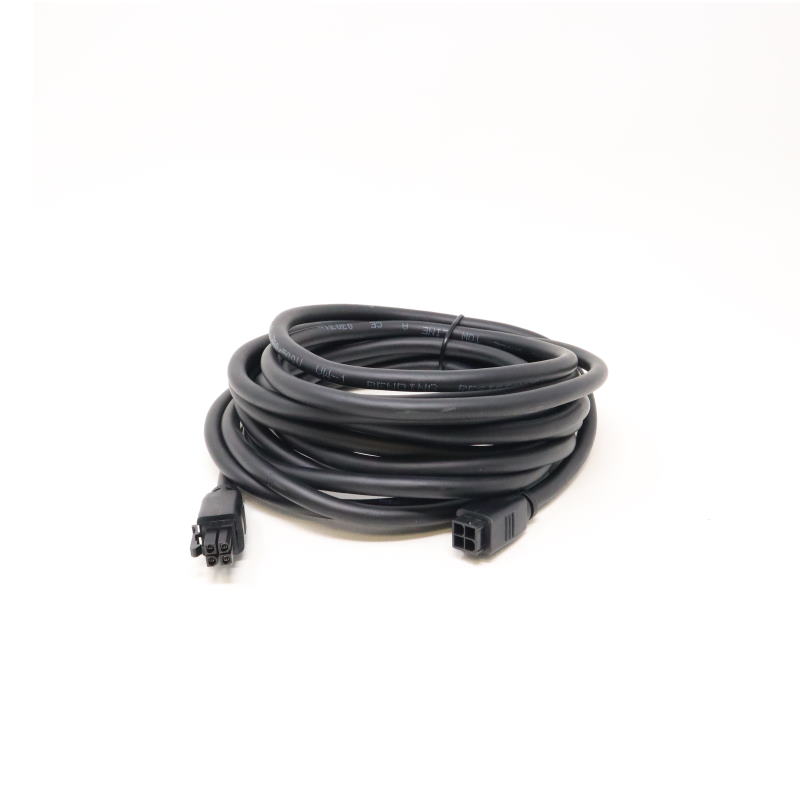

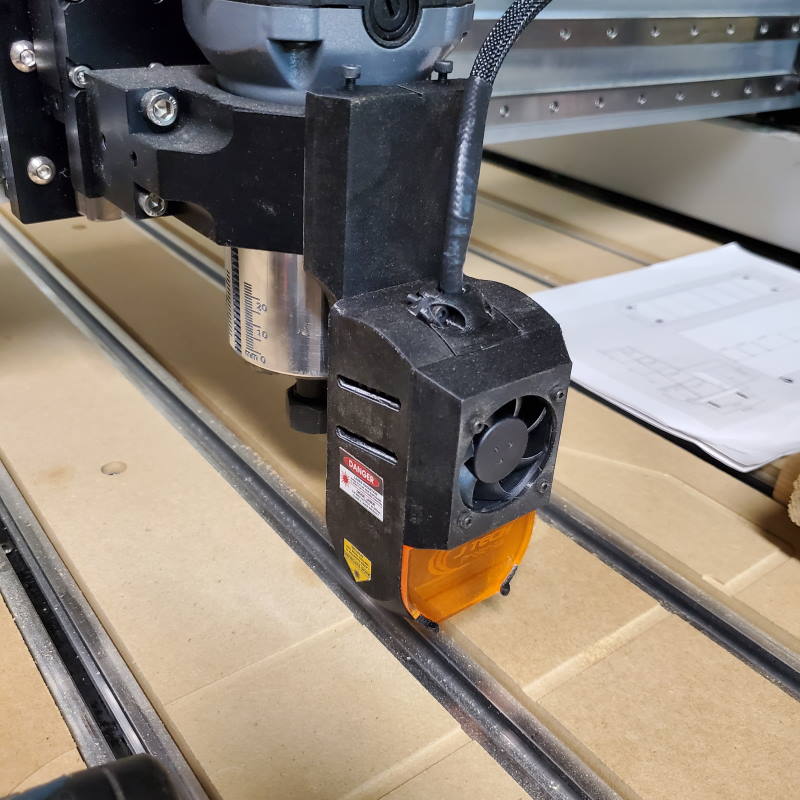
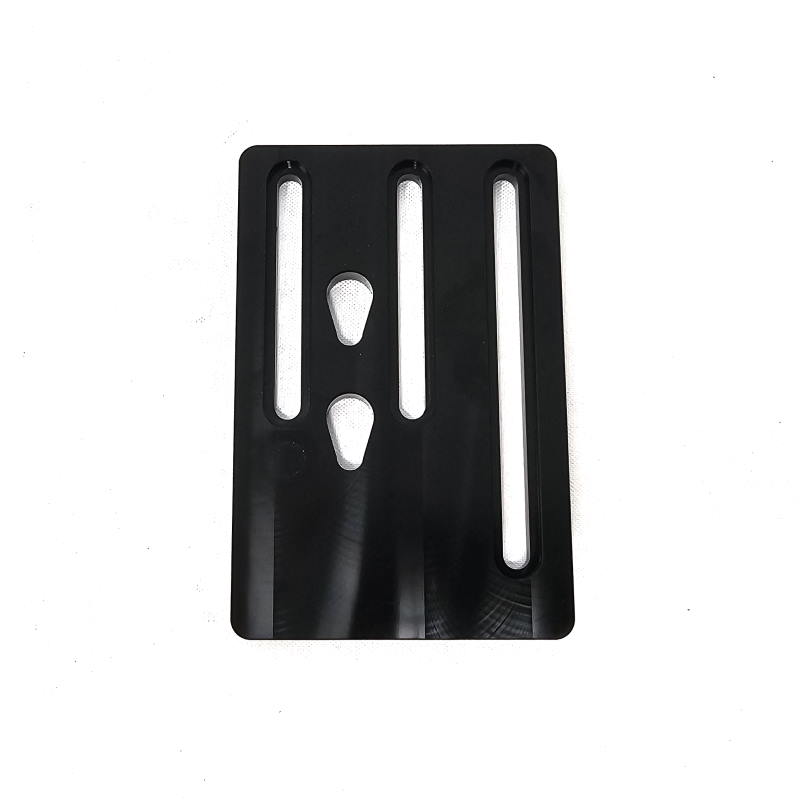
Includes Everything You Need to Install a Laser on Your Shapeoko4 & Pro machine.
Seamless Integration with Shapeoko4 and PRO machines
The J Tech laser upgrade is plug-and-play compatible with Shapeoko machines — including the Shapeoko4 and the PRO series. Installation kits include everything you need:
- Mounting hardware
- Magnetic laser shroud
- Safety Interface Board (SI)
- Power supply
- Extension cables
- OD4+ safety goggles

We offer direct support for upgrading these machines, and yes — our systems work perfectly with LightBurn and Vectric software packages.
Choose Your Power
| Laser Model | Power Output | Best For | Cutting | Photo Engraving |
|---|---|---|---|---|
| 7W+ | Up to 7W | Detailed photo engraving, hobby use | ❌ | ✅ |
| 14W+ | Up to 14W | All-around engraving, light cutting | ⚠️ Light cutting | ✅ |
| 34W 2-in-1 PRO | Up to 34W | Cutting 1/4″ wood, production speed | ✅Faster | ✅ |
| 64W 3-in-1 PRO | Up to 64W+ | Industrial-level cutting and speed | ✅ Fastest | ✅ |
Engraving Laser Comparison

Cutting Laser Comparison

Photo Engraving Comparison
For a full detailed comparison, check out the blog post here. The short answer is no, there is not a discernable difference between any of the lasers when engraving photos.

Mount Options
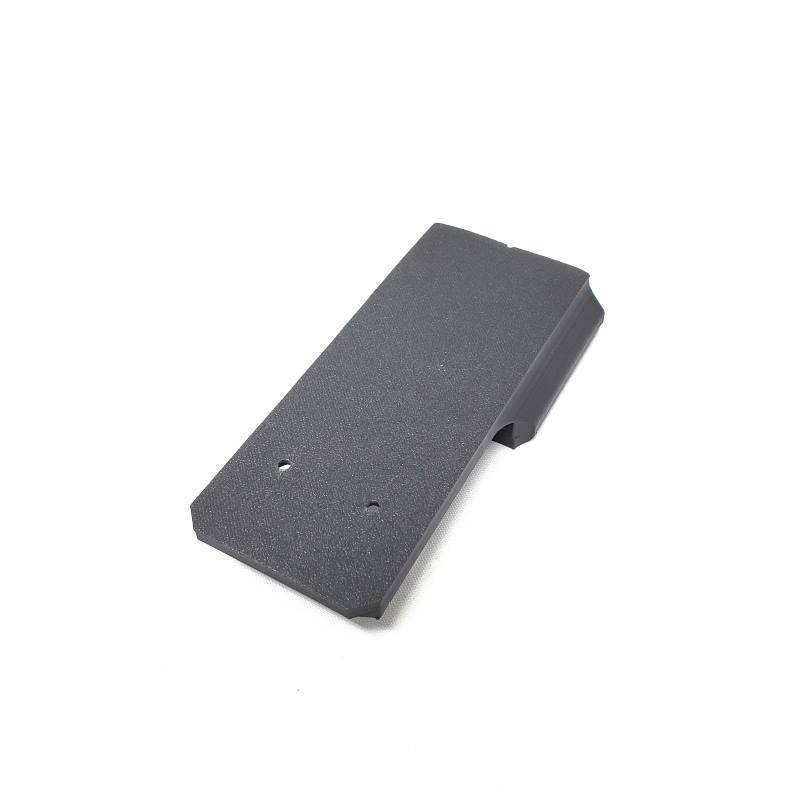
Side Dust Boot Mount (Default and Recommended)
This is the “default” mount for this laser upgrade. It sits to the left side of the router/spindle holder and is attached securely with two M5 10mm screws. The mount is made of metal and is sturdy enough for even our largest 64W laser. In most cases, you can even leave the mount on with using a dust boot, making it easy to switch between CNC and Laser projects.

Front Mount
The front mount will go on the front of the router holder and is only available on the 7W+ and 14W+ lasers. They don’t weigh as much, so you can use this mount. It sits by “clamping” 4 screws onto the front of the router holder, so the position of the mount depends on your ability to get it sitting correctly on the front of the holder. You can choose either the 65mm or 80mm version depending on your router/spindle holder size.
Endless Application Possibilities
Upgrade your machine with a J Tech Photonics laser and unlock a world of creative and production-ready applications:
- Engrave and cut wood for signs, cutting boards, coasters, and custom décor
- Engrave and cut dark acrylic with crisp detail and smooth edges
- Mark anodized aluminum and coated metals for logos, labels, and artwork
- Personalize tumblers, cups, and drinkware using a rotary attachment

🧩 Easy Add-On for Shapeoko 4 and PRO
We’ve created dedicated install instructions and wiring diagrams for Carbide 3D CNC machines — including the Shapeoko4 with GRBL controllers. Your laser stays safe and off when not in use, thanks to integrated interlocks and safety board features.
🔒 Built-In Safety
J Tech Photonics prides itself on making our products the safest in the market.
Every system includes:
- Laser Enable Key
- Emergency stop/reset input
- Power Fault Protection
- Safety interlock for controller connection loss
- Emissions Indication
- Tilt Sensors (34W and 64W models)
- Compatible with ventilation and air assist systems
Shapeoko Laser Upgrade Air Assist Options
Air assist can really help with cleaner burns, faster cutting, and keeping your lens free of debris.
- The 64W, 34W and 14W+ laser comes with the integrated air assist nozzle, hose, and risers.
- For 7W+, the air assist nozzle kit is here: Air Assist Nozzle Kit
Pump not included. 55W Aquarium Pump for Cutting
🧑🏫 J Tech Has Your Back
You’re not alone — we support thousands of laser upgrade users and provide:
- Install guides, videos, and diagrams
- Email/phone support from real engineers
- LightBurn setup help
- Materials and speed guidance

Ready to supercharge your Shapeoko4 or PRO Machine?

Reviews
There are no reviews yet.